How to Fill Your SIWES Logbook as a Business Administration Student (Step-by-Step Guide + Examples)
Learn how to fill your SIWES logbook as a Business Administration student with clear examples from real departments such as Administration, Human Resources, Operations, and Marketing. This guide includes daily sample entries, practical tips, and easy-to-use tools to help you write a professional logbook with confidence.

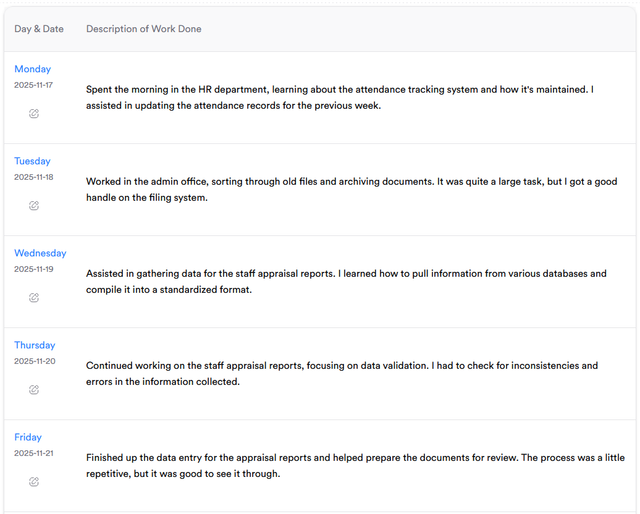
Struggling to fill your SIWES logbook as a Business Administration student?
This guide will show you exactly how to write your daily and weekly entries, with clear examples from real office departments like Administration, Human Resources, Operations, and Marketing.
You’ll also learn what to write each day, how to summarize your activities, and the right words to use to make your logbook professional and easy to grade.
What Is the SIWES Logbook?
The SIWES (Student Industrial Work Experience Scheme) logbook is a daily record of what you observe, learn, and do during your industrial training.
For Business Administration students, it’s a way to show your exposure to real-world management systems, from handling office files and HR records to assisting with marketing and finance activities.
Your logbook usually includes:
- Daily activities (Monday–Friday)
- Weekly supervisor’s signature
- Tools or systems used
- A short weekly summary or reflection
Where Business Administration Students Can Do SIWES
As a Business Administration student, you can work in almost any organization — public or private — since all businesses need administrative and management functions.
Common places include:
- Banks or microfinance institutions
- Government ministries and agencies
- Private companies or NGOs
- Schools and educational institutions
- Business consultancies or corporate offices
Depending on your posting where the organization you are doing your SIWES/IT attachment, you may rotate across these departments:
| Department | What You’ll Learn |
|---|---|
| Administration | Filing, memo writing, and office coordination |
| Human Resources (HR) | Staff records, recruitment, and leave management |
| Finance & Accounts | Payment vouchers, petty cash, and expense tracking |
| Marketing & Sales | Market research, promotions, and customer communication |
✍️ How to Write Your Logbook Entries
When filling your logbook, use clear and action-based sentences that show what you actually did or learned.
You don’t need to make it sound complicated — just be detailed and professional.
Here are some common sentence patterns and variations you can use:
✅ Good Logbook Action Starters:
- Attended …
- Assisted in …
- Observed …
- I was taught how to …
- I learned how to …
- I assisted in …
- I observed that …
- I fixed … / Helped in fixing …
- Met with … / Interacted with …
- Participated in …
- Was introduced to …
- My supervisor showed me …
- Practiced how to …
- Prepared … / Typed … / Filed …
- Recorded … / Updated … / Sorted …
✅ Avoid vague entries like:
❌ “Did office work.”
❌ “Helped in administration.”
✅ Instead write: “Assisted in preparing payroll sheets and updating staff attendance in Excel.”
📘 Sample SIWES Logbook Entries (Weeks 1–5)
Below are detailed examples showing what a Business Administration student might record each day in their logbook during industrial training.
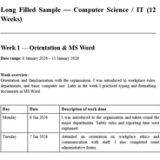
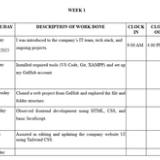
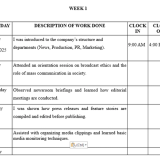
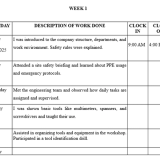
📅 Week 1 – Orientation & Office Introduction
| Day | Activities |
|---|---|
| Monday | Today, I reported for duty and attended an orientation session on company structure, code of conduct, and reporting lines. |
| Tuesday | I was introduced to the Administrative Department and shown how official mails are received, stamped, and recorded. |
| Wednesday | Assisted in arranging staff files and learned the importance of maintaining an organized filing system. |
| Thursday | Typed and printed memos and internal correspondence using Microsoft Word. |
| Friday | Attended a departmental meeting, observed how minutes were taken, and assisted in compiling the action points. |
📅 Week 2 – Administrative & HR Duties
| Day | Activities |
|---|---|
| Monday | I updated staff attendance sheets and verified lateness entries under supervision. |
| Tuesday | Assisted in sorting and filing job application letters received by the HR department. |
| Wednesday | Learned how employee leave applications are processed and approved. |
| Thursday | Prepared staff appraisal forms and printed copies for distribution. |
| Friday | Helped compile weekly HR activity reports and ensured they were properly filed. |
📅 Week 3 – HR Operations & Communication
| Day | Activities |
|---|---|
| Monday | Attended an interview session and recorded details of shortlisted candidates. |
| Tuesday | Assisted in drafting employee confirmation and promotion letters. |
| Wednesday | Helped in organizing materials for an internal staff training exercise. |
| Thursday | Updated staff information on Excel sheets and cross-checked entries with physical records. |
| Friday | Participated in preparing the weekly HR summary report for departmental review. |
📅 Week 4 – Finance & Accounts Department
| Day | Activities |
|---|---|
| Monday | Introduced to the Finance Department. Learned how payment vouchers are raised and recorded. |
| Tuesday | Assisted in verifying receipts and cross-checking petty cash expenses. |
| Wednesday | Entered daily transaction details into Microsoft Excel and observed basic accounting procedures. |
| Thursday | My supervisor showed me how financial documents are reviewed before final approval. |
| Friday | Participated in reconciling the cashbook and filing payment records in the account section. |
📅 Week 5 – Marketing & Customer Relations
| Day | Activities |
|---|---|
| Monday | Joined the Marketing Department and learned about the company’s major services and client base. |
| Tuesday | Helped collect and analyze customer feedback from recent promotional activities. |
| Wednesday | Assisted in designing simple marketing flyers and social media captions for company products. |
| Thursday | Participated in customer follow-up calls and recorded responses for performance evaluation. |
| Friday | Compiled the weekly marketing report and submitted it to the department head for review. |
🧰 Common Tools, Documents & Systems Used
| Tool / System | Purpose |
|---|---|
| Microsoft Word | For writing letters, memos, and reports |
| Microsoft Excel | For data entry, payroll, and financial records |
| Filing Cabinet | For storing and retrieving documents |
| Attendance Register | For staff attendance monitoring |
| (Outlook, Gmail) For official communication | |
| Photocopier / Scanner | For duplicating documents |
| Accounting Ledger | For transaction and expense tracking |
| Marketing Reports | For sales performance and market analysis |
💡 Pro Tip: Use an AI Logbook Generator
Instead of writing each day manually, you can use our free SIWES Logbook Generator to create complete daily entries automatically.
Just type a quick summary of what you did during the week — for example:
“Worked in HR and Admin departments updating attendance, sorting files, and assisting in staff appraisal reports.”
The SIWES Logbook Generator will instantly turn that short summary into well-written daily entries for Monday to Friday, all in proper format.
It also provides suggested diagrams or sketches (like office layouts or process flowcharts) where relevant — saving you even more time.
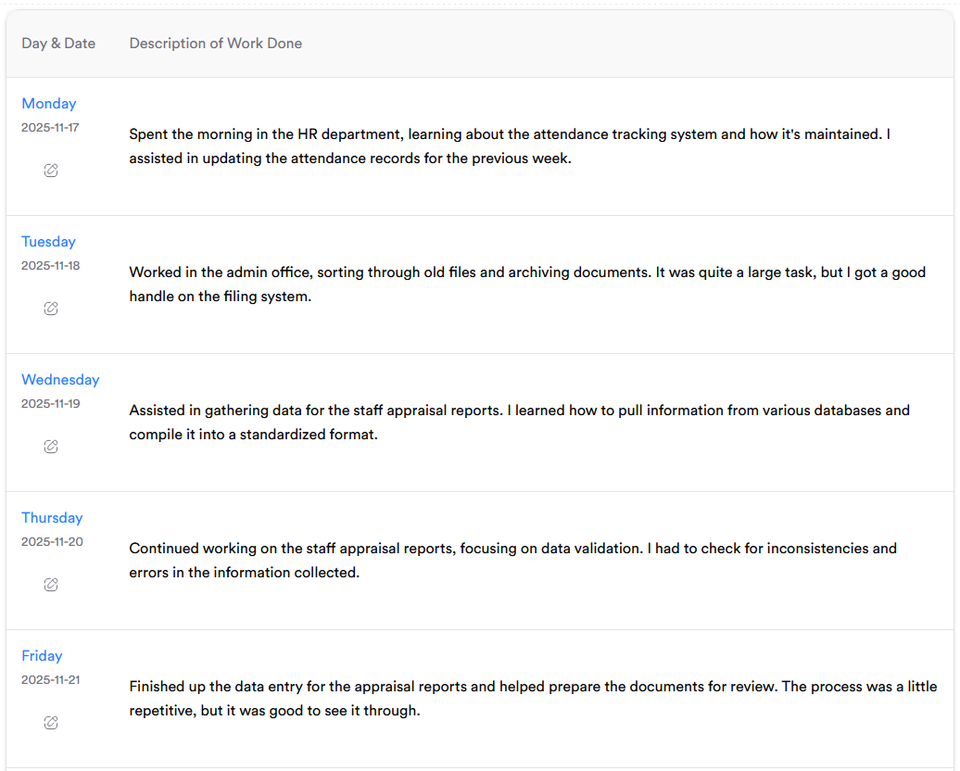
✅ Works perfectly for Business Administration students doing SIWES or Industrial Training
✅ Produces supervisor-ready content
✅ Saves hours of writing every week
🎓 Used by 1,000+ Nigerian students.
👉 Try It Free – Generate My Logbook Now
Sketch Ideas for Business Administration Students
To make your logbook more visually engaging:
- Draw an organizational chart showing company hierarchy
- Add a flowchart showing how memos are approved
- Sketch the layout of the office departments
- Include a sample attendance register or petty cash format
Whether you’re posted to an office, school, or government agency, this guide helps every Business Administration student fill their SIWES logbook correctly and confidently.
Wrap Up
Your SIWES logbook as a Business Administration student should show:
- What you did each day
- What you learned from each task
- The tools and systems you used
Keep your entries short, clear, and specific.
By following this guide (or using the Logbook Generator), you’ll easily fill your logbook professionally — and make your final SIWES report easier to write.
About the Author
Mohammad-Jamiu B. Balogun, GMNSE
AI Security Researcher · Founder, MonoEd Africa
Mohammad-Jamiu is a First-Class Telecommunications Engineer and Best Graduating Student (BUK), and an AI security researcher. He founded MonoEd Africa to give Nigerian students AI-powered academic tools — from SIWES logbooks to final year projects. His work has reached over 10,000 students across Nigeria.