How to Fill SIWES Log Book for Computer Engineering (With Daily Examples)
Learn how to fill your SIWES log book for Computer Engineering with daily technical examples, tools to mention, networking and hardware tasks, diagrams, and supervisor sign-off tips.

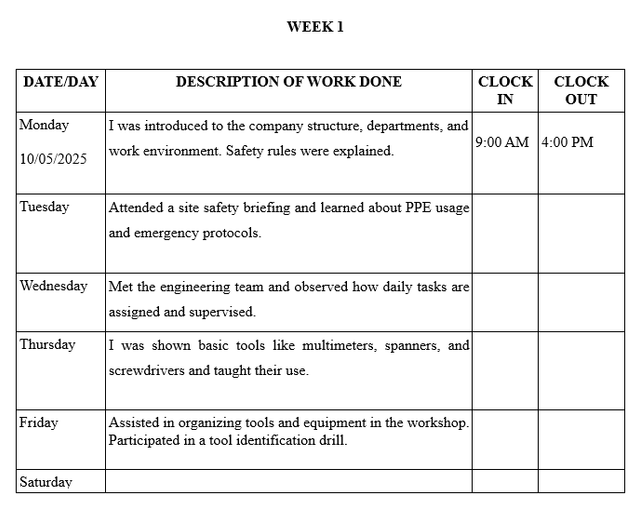
Industrial training is compulsory for Computer Engineering students in Nigeria under the Students Industrial Work Experience Scheme.
The Students Industrial Work Experience Scheme is coordinated by the Industrial Training Fund, and your logbook is official proof that you gained real technical experience.
A properly filled logbook shows your exposure to networking, programming, hardware maintenance, cybersecurity, or system administration. A poorly written one can reduce your assessment score.
This guide explains how to fill your SIWES log book correctly as a Computer Engineering student.
What Your Logbook Must Show
Your entries should clearly reflect:
- Practical technical tasks
- Tools and technologies used
- Problems solved
- Skills developed
- Supervisor verification
Avoid vague statements. Your logbook must demonstrate technical growth.
Step-by-Step Guide to Filling Your SIWES Log Book
1. Fill Student and Company Details
On the first pages, include:
- Full name
- Matriculation number
- Department: Computer Engineering
- Institution
- Company name and address
- Industrial supervisor’s name
- Duration of training
Ensure accuracy and neatness.
2. Write Daily Entries Correctly
Each daily entry should contain:
- Exact date
- Specific task performed
- Tools or software used
- Technical terminology
- Brief learning outcome
Always write in past tense.
Avoid:
“Worked on computer systems.”
Write instead:
“Diagnosed and repaired a faulty hard drive using command-line diagnostic tools and replaced the SATA cable.”
Sample SIWES Logbook Entries for Computer Engineering
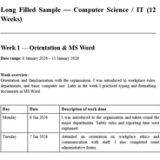
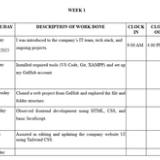
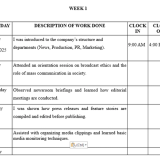
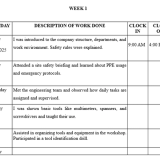
Week 1 – Orientation and System Maintenance
| Day | Activity |
|---|---|
| Monday | Reported to IT department and attended orientation on company network structure and security policies. |
| Tuesday | Installed Windows 10 operating system on three desktop systems and configured drivers. |
| Wednesday | Replaced faulty RAM module in a desktop computer and performed system testing. |
| Thursday | Cleaned internal components of system unit and applied thermal paste to processor. |
| Friday | Updated system drivers and installed antivirus software across office systems. |
Week 2 – Networking Tasks
| Day | Activity |
|---|---|
| Monday | Crimped Ethernet cables using RJ45 connectors and tested connectivity with cable tester. |
| Tuesday | Configured IP addresses and subnet masks on office computers. |
| Wednesday | Configured VLANs on a Cisco switch using Cisco Packet Tracer simulation. |
| Thursday | Troubleshot network connectivity issues using ping and tracert commands. |
| Friday | Monitored network traffic using Wireshark for packet analysis. |
Week 3 – Programming and Software Development
| Day | Activity |
|---|---|
| Monday | Wrote a Python script to automate file backup process. |
| Tuesday | Debugged errors in a web application using Visual Studio Code. |
| Wednesday | Designed simple database using SQL Server and executed queries. |
| Thursday | Integrated REST API into internal application. |
| Friday | Developed basic login authentication system using PHP and MySQL. |
Week 4 – Hardware and System Administration
| Day | Activity |
|---|---|
| Monday | Installed and configured local server for file sharing. |
| Tuesday | Replaced faulty power supply unit in desktop system. |
| Wednesday | Configured user accounts and access permissions on Windows Server. |
| Thursday | Performed system backup and recovery procedures. |
| Friday | Assisted in setting up firewall rules for network security. |
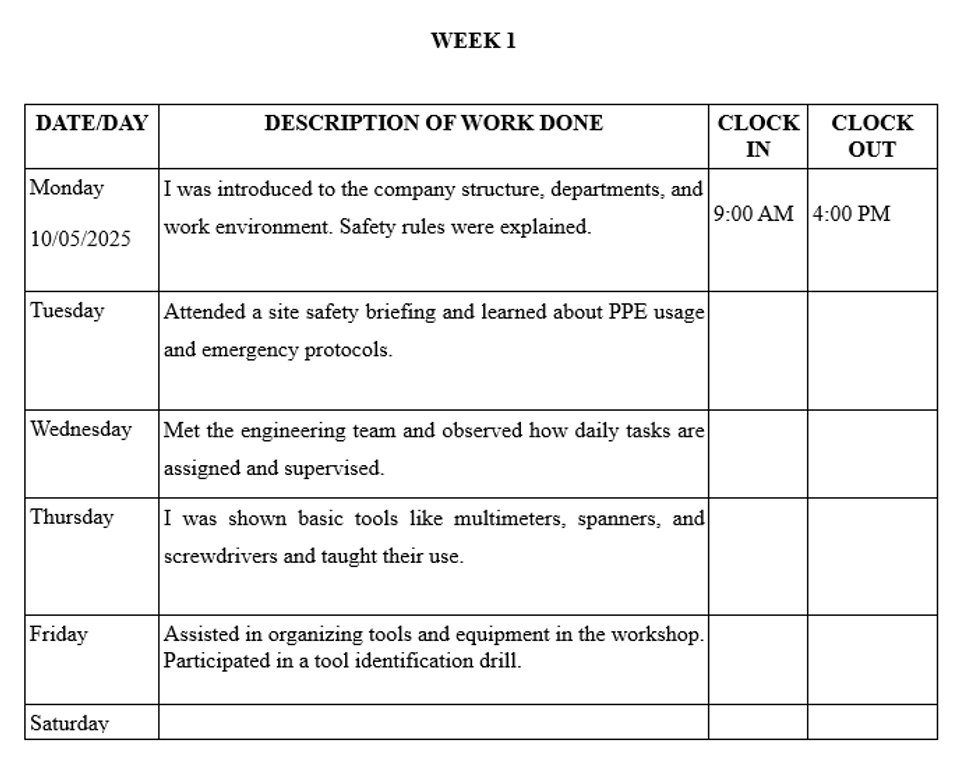
What to Draw in the Sketch Section
Include clear labeled diagrams such as:
- Simple network topology
- RJ45 cable wiring standard
- Flowchart for a program logic
- Basic motherboard layout
- Server-client architecture
Neat diagrams improve evaluation and show technical understanding.
Tools and Technologies to Mention
Your entries should reference specific tools and technologies such as:
Programming:
- Python
- Java
- C++
- PHP
Networking:
- Cisco Packet Tracer
- Wireshark
- Router and switch configuration
- IP addressing tools
Hardware:
- Soldering iron
- Multimeter
- Crimping tool
- Screwdriver kit
Software:
- SQL Server
- Visual Studio Code
- Windows OS
- Linux OS
Mentioning tools makes your logbook professional and technical.
Weekly Summary Section
At the end of each week, write a brief summary such as:
“This week, I focused on network configuration and troubleshooting. I learned how VLANs improve network segmentation and how packet analysis assists in diagnosing connectivity issues.”
Keep it short but technical.
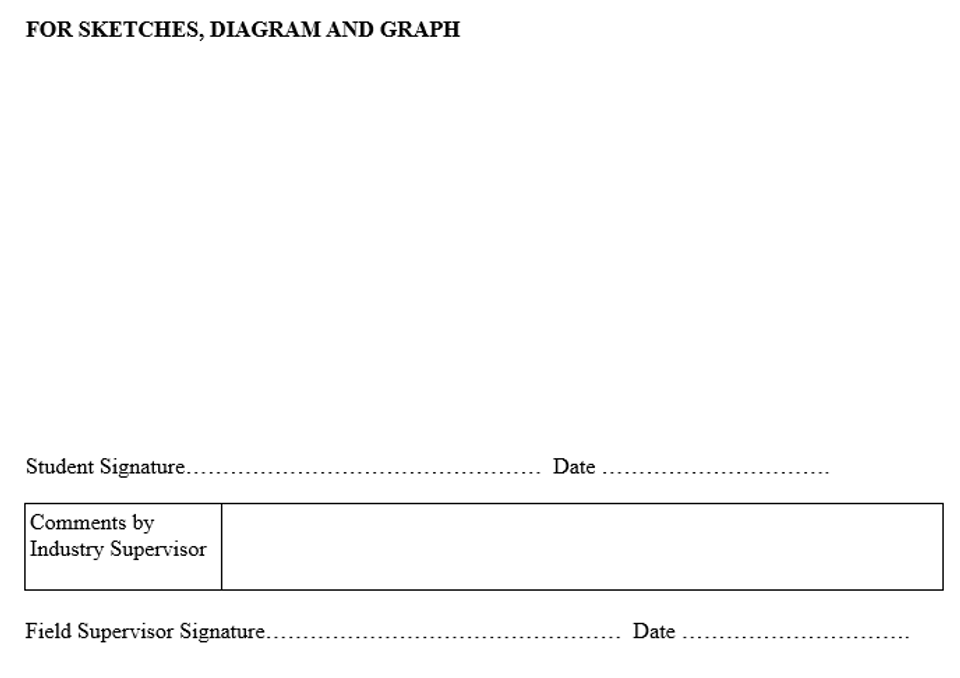
Supervisor Signature and Verification
At the end of each week:
- Your industrial supervisor must sign
- The supervisor may write a short comment
- Company stamp should be affixed
Unsigned logbooks may not be accepted.
What to Write on No-Work Days
If no activity occurred, write:
- “Public Holiday”
- “Nil”
- “No technical task assigned”
Do not leave blank spaces.
Common Mistakes to Avoid
- Writing general statements
- Copying from friends
- Forging signatures
- Filling the entire book at the end
- Ignoring diagrams
- Failing to mention tools used
Smart Tip for Accuracy
Carry a small notebook or use your phone to note:
- Commands used
- Error messages encountered
- IP addresses configured
- Software installed
- Tools used
Transfer neatly into your logbook daily.
Final Checklist Before Submission
- All dates completed
- Entries written in past tense
- Technical terms included
- Tools mentioned
- Diagrams drawn
- Weekly summaries added
- Supervisor signatures present
- Logbook neat and organized
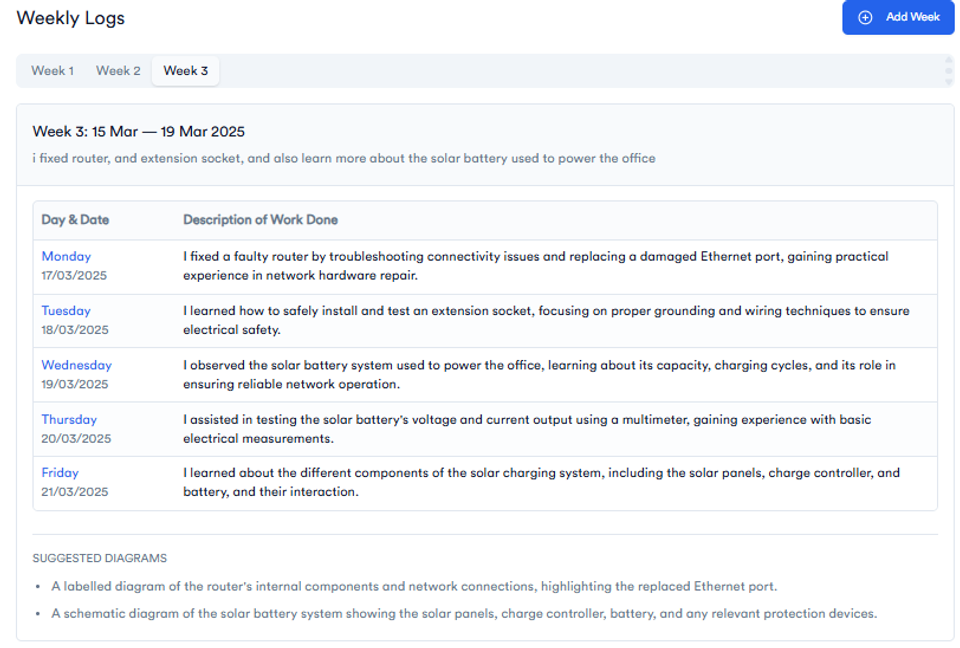
Tired of Writing Logbook Entries Every Day?
You’re not alone — most students leave it till the last week and forget the details. That’s why thousands now use this:
✅ Just enter a short weekly summary
✅ Get full Monday–Friday entries instantly
✅ Copy → paste → done
✅ Grammar-checked and engineering-focused
Whether you're at a power company, computer sales firm, electronics workshop, mechanical workshop, or construction firm, this tool adapts to your field and saves hours.
👉 Try It Free – Generate My Logbook Now
FAQs
1. Can I fill my SIWES logbook weekly instead of daily?
Daily documentation is recommended. Weekly writing may cause you to forget technical details.
2. Are diagrams compulsory for Computer Engineering students?
Yes. Network topologies, flowcharts, and hardware layouts strengthen your logbook.
3. What if I only observed and did not actively perform tasks?
Document what you observed and what you learned. Observation is valid industrial training.
4. Should I mention programming languages and tools?
Yes. Mention specific tools like Python, Cisco Packet Tracer, SQL Server, Wireshark, or Linux.
About the Author
Mohammad-Jamiu B. Balogun, GMNSE
AI Security Researcher · Founder, MonoEd Africa
Mohammad-Jamiu is a First-Class Telecommunications Engineer and Best Graduating Student (BUK), and an AI security researcher. He founded MonoEd Africa to give Nigerian students AI-powered academic tools — from SIWES logbooks to final year projects. His work has reached over 10,000 students across Nigeria.