How to Fill Your SIWES Logbook as a Computer Science Student (With Practical Examples)
Learn how to fill your SIWES logbook as a Computer Science student with practical examples. Includes Week 1 & Week 2 entries, tools used, and writing tips.

If you are doing your SIWES as a Computer Science student, your logbook should clearly show the skills you are learning, the tools you are using, and the tasks you are involved in.
Many students make the mistake of writing vague entries like “did coding” or “worked on a website,” which can cost them marks.
This guide shows you exactly what to write, how to structure your entries, and gives practical Week 1 and Week 2 examples you can adapt to your own experience.
TL;DR (quick answer)
- Write specific technical tasks (not “coding,” but what you built or fixed)
- Include tools used like VS Code, Git, or Postman
- Use clear phrases like “I assisted with…” or “I developed…”
- Keep entries consistent and get weekly supervisor signatures
- Draft daily, then write neatly in your logbook weekly
If turning your weekly tasks into full entries is difficult, a SIWES logbook generator can help structure them properly.
What is the SIWES logbook?
A SIWES logbook is an official record of your daily industrial training activities, including tasks performed, tools used, and supervisor verification.
For Computer Science students, it should highlight:
- Programming tasks
- Software tools used
- Systems you worked on
- Problems you solved or observed
Your supervisor and SIWES coordinator use it to assess how much practical experience you gained.
Tools that can help you write faster
If you already know what you worked on but struggle to write it properly:
- SIWES Logbook Generator — Turns your weekly summary into full Monday–Friday entries
- SIWES Report Generator — Helps you prepare your SIWES report
- SIWES Placement Finder — Helps you find IT placements
Use these as support, but always make sure your entries reflect your real work.
What to write in your logbook (Computer Science)
Your entries should show learning, participation, and technical detail.
One common issue many CS students face is not knowing how to describe simple tasks professionally.
Instead of writing:
- “I coded today”
Write:
- “I developed a responsive login page using HTML and Tailwind CSS”
Helpful sentence patterns:
- I was introduced to…
- I observed how…
- I assisted in…
- I developed or tested…
- I debugged…
Week 1 & Week 2 SIWES logbook examples
These examples reflect a typical software company or IT department experience.
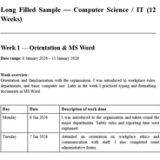
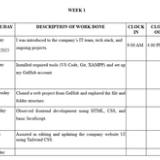
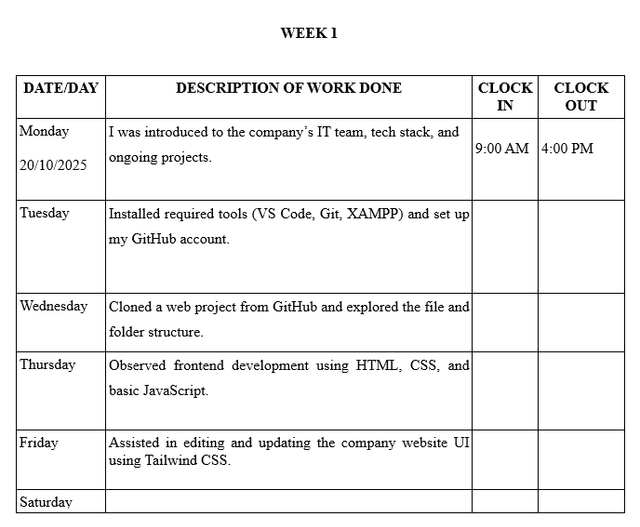
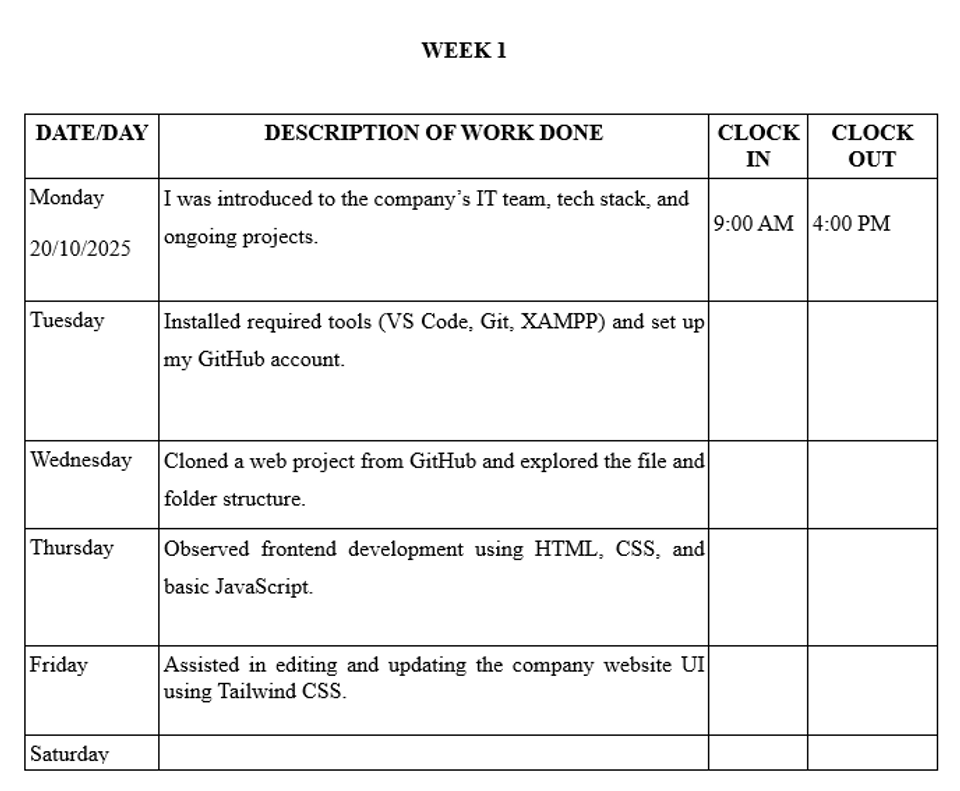
Week 1 – Orientation & Setup
| Day | Activities |
|---|---|
| Monday | I was introduced to the company’s IT team, tech stack, and ongoing projects. |
| Tuesday | Installed required tools (VS Code, Git, XAMPP) and set up my GitHub account. |
| Wednesday | Cloned a web project from GitHub and explored the file and folder structure. |
| Thursday | Observed frontend development using HTML, CSS, and basic JavaScript. |
| Friday | Assisted in editing and updating the company website UI using Tailwind CSS. |
Week 2 – Web Dev & Backend Introduction
| Day | Activities |
|---|---|
| Monday | Introduced to backend concepts using Node.js and Express.js. |
| Tuesday | Created a simple REST API and tested it with Postman. |
| Wednesday | Connected frontend form to backend API using AJAX. |
| Thursday | Debugged input validation issues with the help of my mentor. |
| Friday | Documented weekly tasks using Markdown and pushed changes to GitHub. |
SIWES logbook examples for other courses
If you’re exploring how other fields structure their entries, these guides may help:
- Computer Engineering: Step-by-step daily entries covering hardware, networking, and embedded systems → How to Fill SIWES Log Book for Computer Engineering
- Building Technology: Includes sketches, site work logs, and construction processes → How to Fill SIWES Log Book for Building Technology
- Bakery Students: Practical production-based entries and workflow examples → How to Fill SIWES Logbook for Bakery Students
- Estate Management: Property inspection, valuation, and documentation examples → How to Fill SIWES Logbook for Estate Management Students
- Marketing: Campaign tracking, customer engagement, and sales reporting entries → How to Fill SIWES Logbook for Marketing Students
These can give you ideas on how to improve your own level of detail.
Tools & Technologies Commonly Used
| Tool/Tech | What It’s Used For |
|---|---|
| Visual Studio Code | Writing and editing code |
| MS Word, Excel, etc. | For document writing, analysing data |
| HTML, CSS, JavaScript | Web development |
| Node.js, Express.js | Backend/server-side development |
| Postman | API testing and debugging |
| MySQL / MongoDB | Database operations |
Only include tools you actually used in your daily entries.
Tips for writing a good SIWES logbook (CS students)
- Be specific about what you built or worked on
- Mention tools, frameworks, or languages used
- Use proper English and avoid slang
- Keep entries consistent and structured
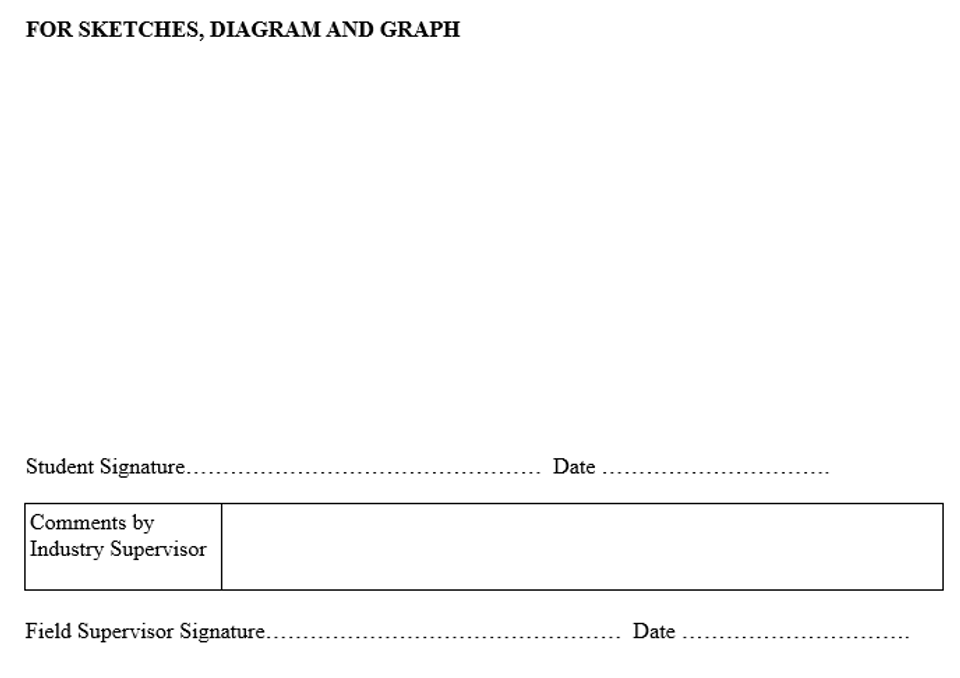
- Always get weekly supervisor signatures
In many cases, supervisors pay more attention to clarity and detail than how complex the task is.
Mistakes to avoid
- Writing “coding” without explaining what you coded
- Copying another student’s entries
- Skipping tools and technologies used
- Writing all entries at once from memory
- Forgetting supervisor signatures
Save time without writing fake entries
Writing detailed entries every week can be tiring, especially during busy periods.
A better approach:
- Keep rough notes of what you actually did
- Use a SIWES Logbook Generator to structure it
- Edit the output to match your real work
- Transfer it neatly into your official logbook
This helps you stay consistent without losing accuracy.
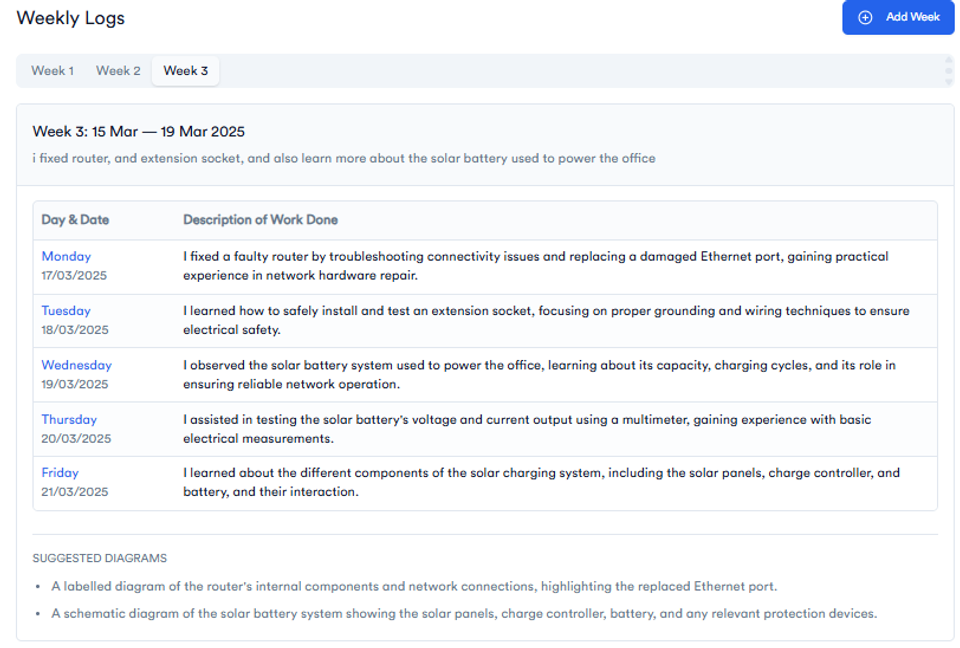
Just type a quick summary of what you did this week — and the SIWES Logbook Generator will turn it into complete, well-written entries for Monday to Friday.
Conclusion
As a Computer Science student, your SIWES logbook should clearly show your technical growth.
Focus on:
- what you worked on
- the tools you used
- what you learned
Keep your entries clear, specific, and consistent, and make sure everything is properly signed.
👉 Next step: write your SIWES report → How to Write a SIWES Report in Nigeria
FAQs
Can I write the same thing every day in my SIWES logbook?
No. Even if tasks are similar, try to show slight differences in what you learned or improved.
Do I need to include code in my logbook?
Not usually. You can describe what the code does instead of writing full code.
What if I didn’t do much in a day?
Write what you observed, learned, or were taught. Observation is still valid.
About the Author
Mohammad-Jamiu B. Balogun, GMNSE
AI Security Researcher · Founder, MonoEd Africa
Mohammad-Jamiu is a First-Class Telecommunications Engineer and Best Graduating Student (BUK), and an AI security researcher. He founded MonoEd Africa to give Nigerian students AI-powered academic tools — from SIWES logbooks to final year projects. His work has reached over 10,000 students across Nigeria.