SIWES Logbook for Civil Engineering: How to Fill Your Logbook Correctly
Learn how to fill your SIWES logbook for Civil Engineering with daily examples, tools, sketches, and supervisor signatures. Step-by-step guide for students.

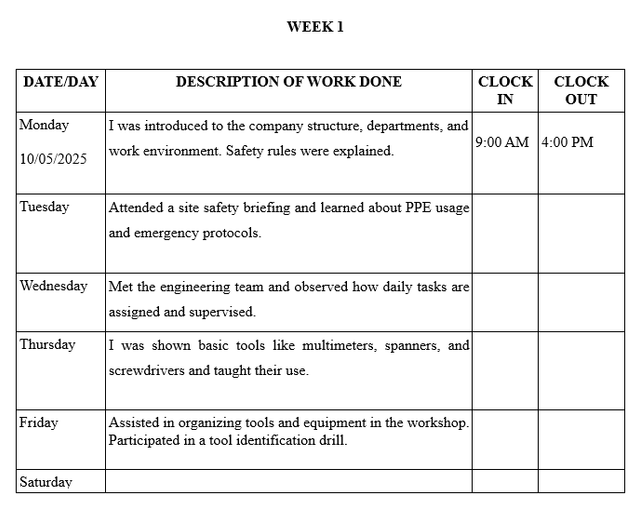
Filling your SIWES (Students Industrial Work Experience Scheme) logbook is a critical part of your industrial training as a Civil Engineering student. Your logbook is not just a diary, it serves as evidence of your hands-on experience and is evaluated by both your university and your industry supervisors.
A properly filled logbook can improve your grade, showcase your technical skills, and demonstrate your understanding of practical engineering tasks. In this guide, we’ll walk you through the step-by-step process of filling a Civil Engineering SIWES logbook with examples, sketches, and tips to make it professional.
Key Sections of a Civil Engineering SIWES Logbook
Your logbook should have the following structure:
a) Student & Company Details
- Name, matriculation number, and department
- Company/organization name, address, and supervisor’s name
- Duration of the attachment
b) Daily Activity Records
Each entry should include:
- Specific tasks performed or observed: Avoid vague statements like "Visited site." Instead, write:
“Observed the casting of reinforced concrete beams on the 2nd floor.” - Engineering terms: Use technical language like slump test, formwork, reinforcement binding, or surveying.
- Tools used: Mention tools such as total station, theodolite, concrete mixer, plumb bob, or leveling instruments.
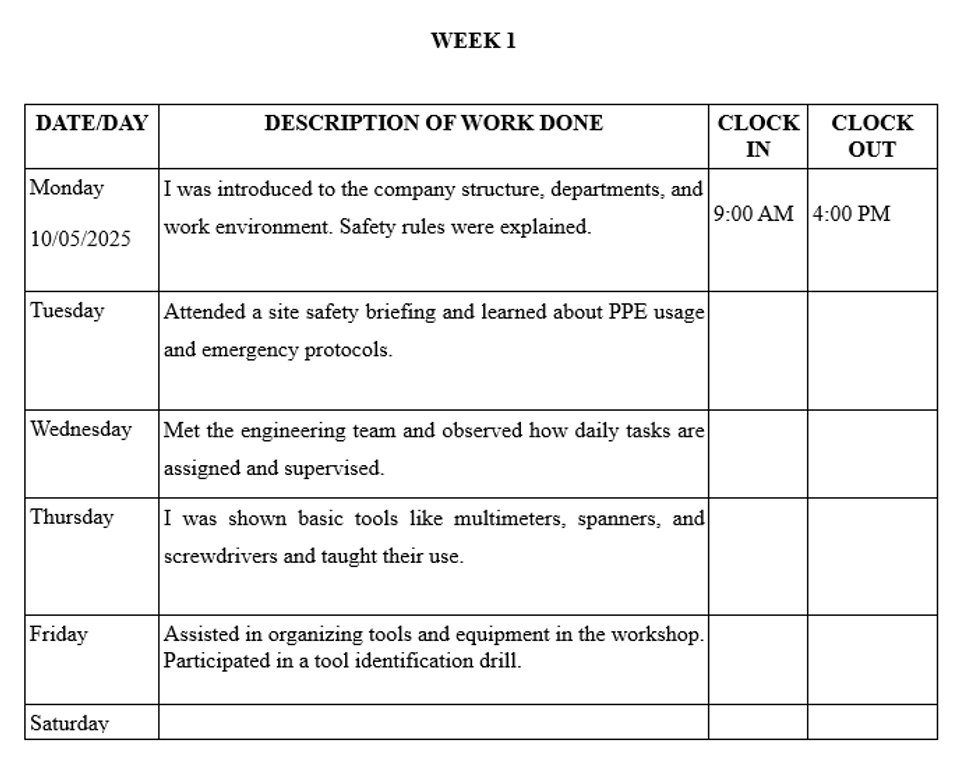
- Sketches: Draw site layouts, structural details, or equipment diagrams when necessary.
c) Weekly Summary & Supervisor Signatures
- Summarize the week’s activities and lessons learned
- Include sketches to illustrate key tasks
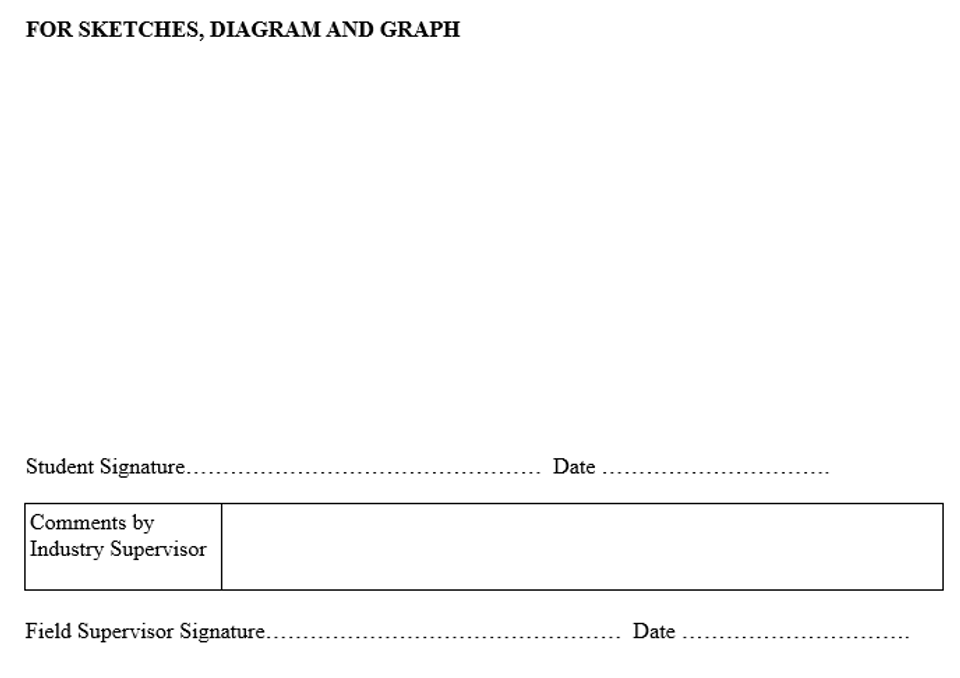
- Obtain the supervisor’s comments and signature at the end of each week
Sample Daily Logbook Entries (Civil Engineering)
Here’s an example to guide your entries:
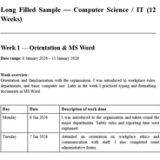
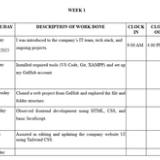
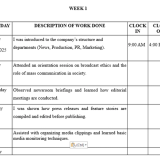
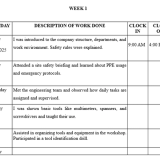
Week 1 – Orientation
| Day | Activity |
|---|---|
| Monday | Reported to the Civil Engineering Unit. Attended orientation on safety measures, site rules, and ethics. Introduced to site supervisors, engineers, and construction team members. |
| Tuesday | Visited worksite and familiarized with tools such as theodolites, total stations, and concrete mixers. Observed site clearance and marking. |
| Wednesday | Participated in basic site surveying using leveling instruments. Assisted in marking building layout on the ground. |
| Thursday | Observed soil excavation for building foundation. Learned about soil types and suitability for construction. |
| Friday | Assisted in measuring excavated trenches and verifying dimensions with site plans. Discussed foundation types with supervisor. |
Week 2 – Active Participation
| Day | Activity |
|---|---|
| Monday | Assisted in setting reinforcement bars for strip foundation. Checked spacing and alignment per design drawings. |
| Tuesday | Supervised mixing of concrete for foundation. Assisted in pouring and leveling. |
| Wednesday | Conducted slump test on fresh concrete. Observed curing process to maintain strength. |
| Thursday | Assisted in backfilling excavated trenches. Learned soil compaction techniques. |
| Friday | Applied damp-proof membranes to walls. Prepared weekly progress report for supervisor review. |
Tools & Equipment to Include
Make sure to list the tools you use. Examples for Civil Engineering:
- Surveying Tools: Theodolite, total station, dumpy level, leveling staff
- Construction Tools: Concrete mixer, compactor, plumb bob, steel reinforcement tools
- Safety Equipment: Gloves, helmet, boots, PPE
Tips for Filling Your SIWES Logbook
- Write daily: Don’t wait until the end of the month because, details will be forgotten.
- Be accurate: Never forge activities or signatures. Stick to what you actually did.
- Handle no-work days: Write “No project activity” or document learning/maintenance tasks.
- Draft before transferring: Use rough notes in a notebook first to avoid mistakes.
- Use professional phrases: Examples:
- “I was introduced to…”
- “I observed the process of…”
- “I assisted in…”
- “I learned how to use…”
Common Mistakes to Avoid
- Writing vague descriptions like “Worked on site.”
- Forgetting supervisor signatures
- Not including tools, sketches, or technical terminology
- Leaving entries incomplete or inconsistent
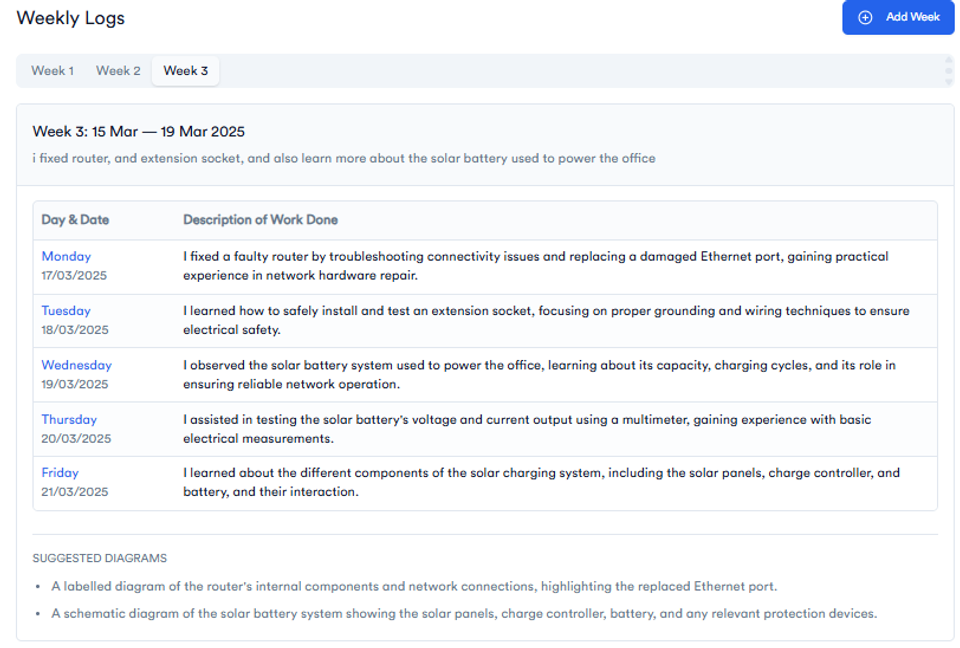
Tired of Writing Logbook Entries Every Day?
You’re not alone — most students leave it till the last week and forget the details. That’s why thousands now use this:
✅ Just enter a short weekly summary
✅ Get full Monday–Friday entries instantly
✅ Copy → paste → done
✅ Grammar-checked and engineering-focused
Whether you're at a power company, mechanical workshop, or construction firm, this tool adapts to your field and saves hours.
👉 Try It Free – Generate My Logbook Now
FAQ
Q1: How do I start filling my SIWES logbook?
Start with your student and company details, then document daily activities using technical terms, tools, and processes observed. Include sketches if possible.
Q2: Can I fill the logbook weekly instead of daily?
Yes, but it’s risky. Daily entries are more accurate and detailed. Weekly summaries may miss important details.
Q3: What should I write on days when no activity occurs?
Write “No project activity” or describe any maintenance, observation, or learning tasks done that day.
Q4: Are sketches necessary in a SIWES logbook?
Yes. Sketches of tools, site layouts, or structural details help illustrate your activities and can boost your evaluation.
Q5: Which tools should I include in a Civil Engineering logbook?
Surveying tools (theodolite, total station), construction tools (concrete mixer, compactor), and safety equipment (helmet, gloves, boots).
About the Author
Mohammad-Jamiu B. Balogun, GMNSE
AI Security Researcher · Founder, MonoEd Africa
Mohammad-Jamiu is a First-Class Telecommunications Engineer and Best Graduating Student (BUK), and an AI security researcher. He founded MonoEd Africa to give Nigerian students AI-powered academic tools — from SIWES logbooks to final year projects. His work has reached over 10,000 students across Nigeria.