How to Fill Your SIWES Logbook Properly for a Good Grade (Step-by-Step + Examples)
Struggling with your SIWES logbook? Learn how to fill it correctly with clear Nigerian student examples, tips for Computer Science, Engineering, and more. Avoid common errors and protect your grade.

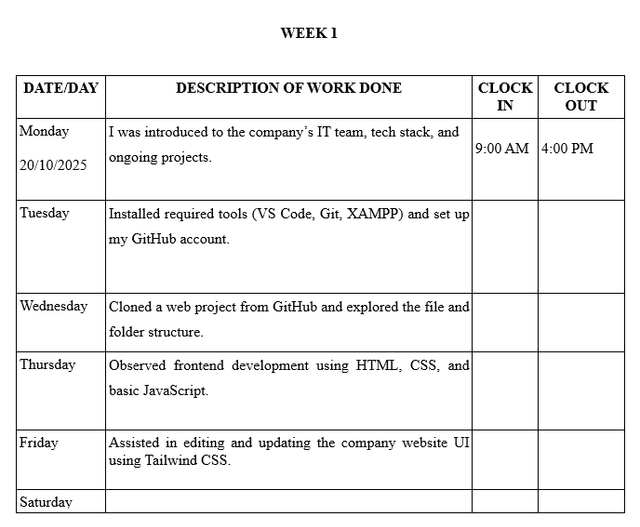
For the complete step-by-step guide, read: How to Fill SIWES Logbook in Nigeria
If you are currently on SIWES (Student Industrial Work Experience Scheme), your logbook is not just paperwork. It is one of the main things your school and industry supervisor will use to judge your performance.
A lot of students lose marks not because they did not learn anything, but because their entries are vague, rushed, or not properly signed.
This guide shows you exactly how to fill your SIWES logbook the right way, with clear examples you can follow whether you study Computer Science, Engineering, Biochemistry, or any technical course.
TL;DR (quick answer)
- What it is: A record of your daily and weekly activities during SIWES, reviewed by your supervisor and school
- Do this: Write specific tasks, include time and tools used, and get weekly supervisor signatures
- Avoid: Vague entries, copying others, late writing, or missing signatures
- Best approach: Write rough notes daily, then transfer neatly into your logbook every week
If writing detailed entries every week feels stressful, tools like a SIWES logbook generator can help you structure your activities properly.
What is the SIWES logbook?
A SIWES logbook is an official record of your daily industrial training activities, including tasks performed, tools used, and supervisor verification.
It is reviewed by your industry-based supervisor and your school’s SIWES coordinator, so it needs to be clear, accurate, and complete.
Your logbook typically includes:
- Daily activities
- Time in and time out
- Tools, machines, or software used
- Weekly summaries (if required)
- Diagrams or sketches (for technical fields)
- Supervisor comments, signature, and sometimes stamp
Think of it as proof of what you actually learned during your training.
How to fill your SIWES logbook properly
1. Fill it daily or at least weekly
One common mistake many students make is waiting until the end of the month to fill everything at once.
By then, you forget important details like tools, steps, or what you actually worked on.
Instead:
- Write rough notes daily
- Transfer neatly into your logbook at least once a week
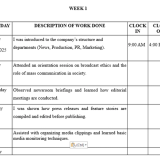
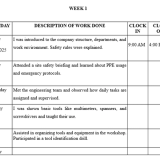
2. Include accurate dates and time
Each entry should clearly show:
- Week ending date (usually Friday)
- Time in and time out
- Activities performed
Example:
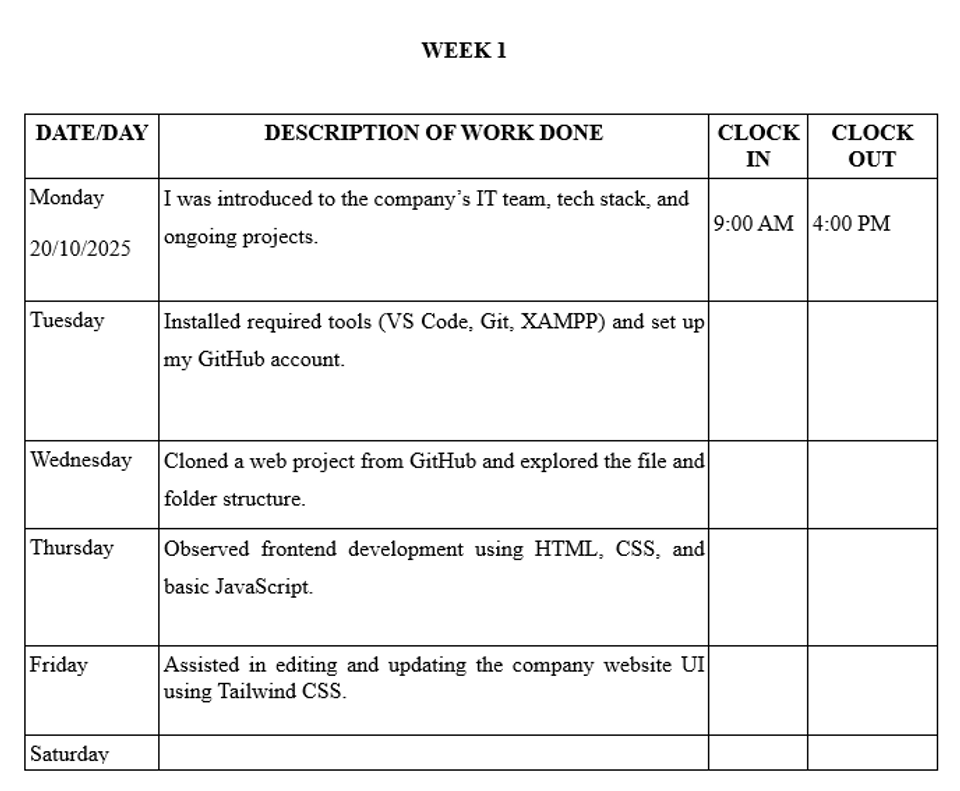
- Time in: 9:00 AM
- Time out: 4:00 PM
3. Be specific about what you did
In many Nigerian institutions, SIWES coordinators look closely at how detailed your entries are.
Avoid vague statements.
| ❌ Too vague | ✅ Better |
|---|---|
| Worked on computer | Assisted in building a login form using HTML and CSS |
| Helped in workshop | Assisted in replacing worn piston rings in an engine |
| Did electrical work | Installed a distribution board and identified breakers |
Helpful sentence starters:
- I was introduced to…
- I observed…
- I assisted with…
- I developed or tested…
4. Use proper English and correct terms
Your logbook should look professional.
Example:
- ✅ “I debugged form validation errors using browser DevTools.”
- ❌ “I fixed some stuff on the website.”
Clean writing makes your work easier to understand and more credible.
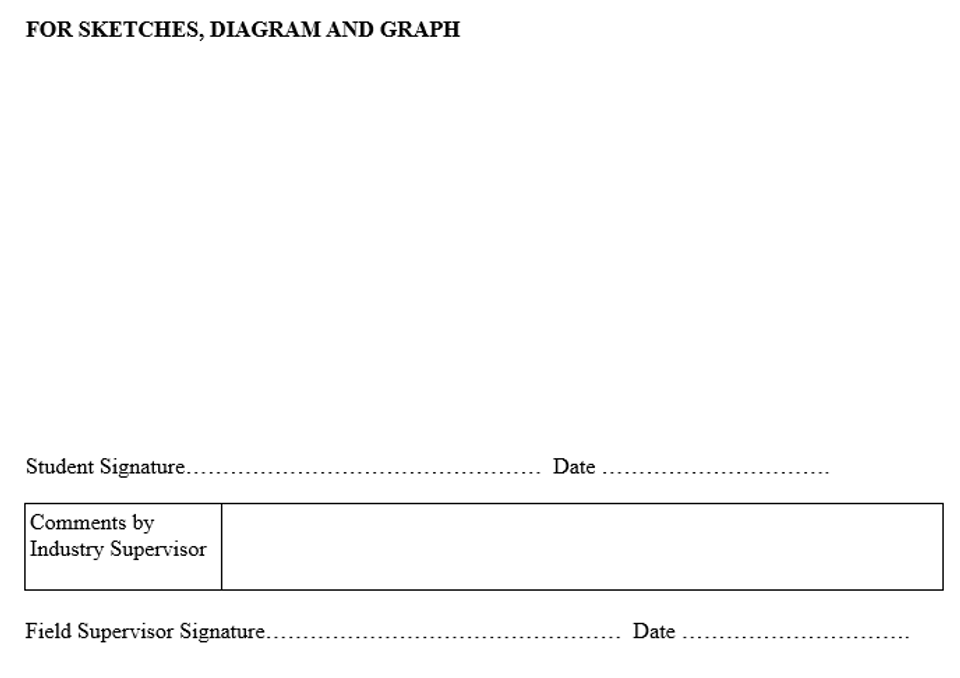
5. Draw or sketch where necessary
For technical fields, you may need to include:
- Wiring diagrams
- Machine parts
- Lab setups
Always label your diagrams clearly and keep them neat.
6. Get your supervisor’s weekly signature
This is very important.
At the end of each week:
- Get comments (if required)
- Get signature
- Get stamp if needed
Missing signatures is one of the fastest ways to lose marks.
Example SIWES logbook entries
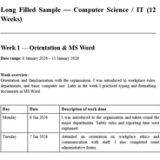
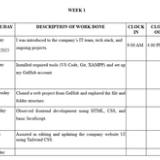
Computer Science (Week 1)
| Day | Activities |
|---|---|
| Monday | Orientation on company structure. Introduced to IT department and given work computer. |
| Tuesday | Installed VS Code, Git, and XAMPP. Set up project folders and cloned a Laravel project. |
| Wednesday | Observed how to connect MySQL database in PHP. Practiced writing SELECT queries. |
| Thursday | Assisted in designing a login form using HTML/CSS. Learned about responsive layouts. |
| Friday | Reviewed form validation logic. Supervisor checked entries and signed. |
Mechanical Engineering (Week 2)
| Day | Activities |
|---|---|
| Monday | Dismantled carburetor from Bajaj motorcycle engine. Cleaned and reassembled it. |
| Tuesday | Observed replacement of worn-out piston rings. Learned steps for checking compression. |
| Wednesday | Assisted with greasing machine bearings. Used a grease gun under supervision. |
| Thursday | Practiced safe use of a torque wrench during engine refit. |
| Friday | Supervisor explained importance of torque values. Signed off for the week. |
Electrical Engineering (Week 3)
| Day | Activities |
|---|---|
| Monday | Observed domestic wiring in a 3-bedroom flat using surface conduit wiring. |
| Tuesday | Assisted in installing a distribution board. Identified 10A, 15A, and 30A breakers. |
| Wednesday | Tested wall sockets with a multimeter. Noted continuity and resistance readings. |
| Thursday | Helped draw single-line diagram of apartment wiring. |
| Friday | Supervisor cross-checked drawing. Made corrections and signed. |
SIWES Logbook Examples by Course
Different courses have slightly different expectations when filling SIWES logbooks. If you want examples tailored to your specific field, these guides will help:
- Computer Science: Step-by-step daily entries covering software, programming, and web development → How to Fill SIWES Log Book for Computer Science
- Computer Engineering: Step-by-step daily entries covering hardware, networking, and embedded systems → How to Fill SIWES Log Book for Computer Engineering
- Building Technology: Includes sketches, site work logs, and construction processes → How to Fill SIWES Log Book for Building Technology
- Bakery Students: Practical production-based entries and workflow examples → How to Fill SIWES Logbook for Bakery Students
- Estate Management: Property inspection, valuation, and documentation examples → How to Fill SIWES Logbook for Estate Management Students
- Marketing: Campaign tracking, customer engagement, and sales reporting entries → How to Fill SIWES Logbook for Marketing Students
Common Tools & Technologies Used
| Tool/Tech | What It’s Used For |
|---|---|
| Visual Studio Code | Writing and editing code |
| MS Word, Excel, etc. | For document writing, analysing data |
| HTML, CSS, JavaScript | Web development |
| Node.js, Express.js | Backend/server-side development |
| Postman | API testing and debugging |
| MySQL / MongoDB / phpMyAdmin | Database operations or Database management |
| Multimeter | Electrical measurements |
| Torque Wrench | Mechanical tightening precision |
Final Tips to Score High
- Be specific in your writing
- Use past tense
- Mention tools and processes
- Keep your logbook neat
- Always get weekly signatures
Mistakes to Avoid in Your SIWES Logbook
- Writing everything in one day
- Copying someone else’s work
- Using slang or shorthand
- Skipping supervisor signatures
- Writing tasks you did not actually do
Save Time with Our Free Logbook Generator
Typing your logbook manually every week can be stressful.
Use our free SIWES Logbook Generator — just describe your role and it will create detailed entries from Monday to Friday.
✅ For all Nigerian fields (Engineering, CS, etc.)
✅ Easy to copy into your real logbook
✅ Clear, correct, and time-saving
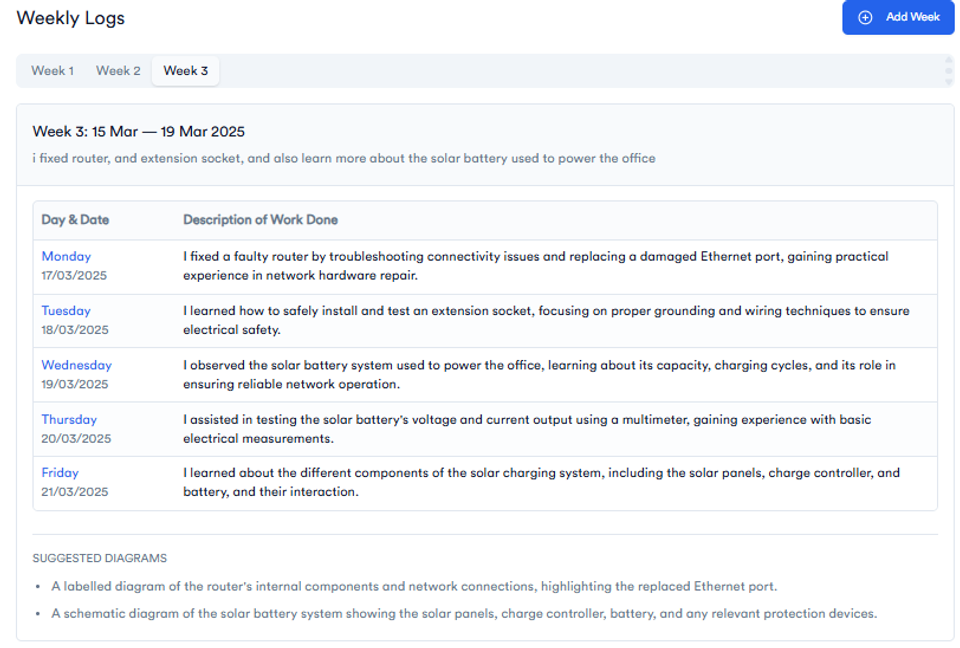
✅ Saves you hours of writing
✅ Helps you stop procrastinating
✅ Fully tailored for Computer Science students
✅ Just copy and paste into your logbook!
🎓 Used by 1,000+ Nigerian students.
👉 Try It Free – Generate My Logbook Now
FAQs
Can I fill my SIWES logbook weekly instead of daily?
Yes, but only if you kept rough notes during the week. Writing everything from memory often leads to poor entries.
What happens if my supervisor does not sign my logbook?
You may lose marks or face rejection. Always ensure weekly signing.
How detailed should SIWES logbook entries be?
Detailed enough to show what you did, how you did it, and the tools you used.
Conclusion
Your SIWES logbook is more than a requirement. It is proof of your learning and experience.
Whether you worked in a tech company, workshop, or lab, your entries should clearly show your growth, tasks, and tools used.
Be consistent, be specific, and make sure everything is properly signed.
About the Author
Mohammad-Jamiu B. Balogun, GMNSE
AI Security Researcher · Founder, MonoEd Africa
Mohammad-Jamiu is a First-Class Telecommunications Engineer and Best Graduating Student (BUK), and an AI security researcher. He founded MonoEd Africa to give Nigerian students AI-powered academic tools — from SIWES logbooks to final year projects. His work has reached over 10,000 students across Nigeria.